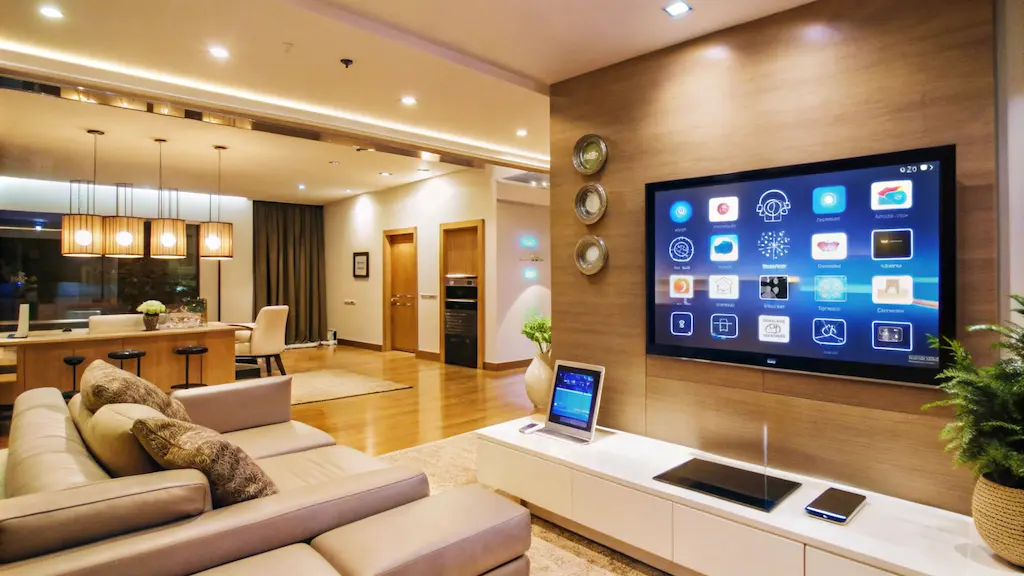

Creating a fully connected smart home no longer requires a massive investment. With affordable devices, flexible ecosystems, and easy installation options, anyone can transform their living space into a smart, automated home without overspending. The key is strategic planning, prioritizing essentials, and choosing compatible devices that grow with your needs.
1. Start with a Smart Home Ecosystem
Before buying any devices, choose a central platform that will connect everything. Popular options include Amazon Alexa, Google Assistant, and Apple HomeKit. Selecting one ecosystem ensures compatibility and avoids frustration later.
If you’re on a tight budget, start with a smart speaker like an Echo or Google Nest device. These affordable hubs allow you to control lights, plugs, thermostats, and more using voice commands. Building around one ecosystem prevents the need for multiple apps and keeps your setup simple.
2. Upgrade Lighting First
Smart lighting is one of the most affordable and impactful upgrades. Smart bulbs and smart plugs are inexpensive and easy to install. You can control brightness, color, and scheduling directly from your phone.
To save money:
-
Use smart plugs with existing lamps instead of replacing all bulbs.
-
Automate lights with schedules to reduce electricity waste.
-
Install motion sensors in hallways or bathrooms for automatic control.
Lighting automation enhances convenience and energy efficiency immediately.
3. Add Smart Plugs for Instant Control
Smart plugs are budget-friendly and extremely versatile. They turn ordinary appliances into smart devices. You can control coffee makers, fans, heaters, and even holiday decorations remotely.
Instead of buying expensive smart appliances, use smart plugs to automate what you already own. Schedule devices to turn off when not in use to cut down on energy bills.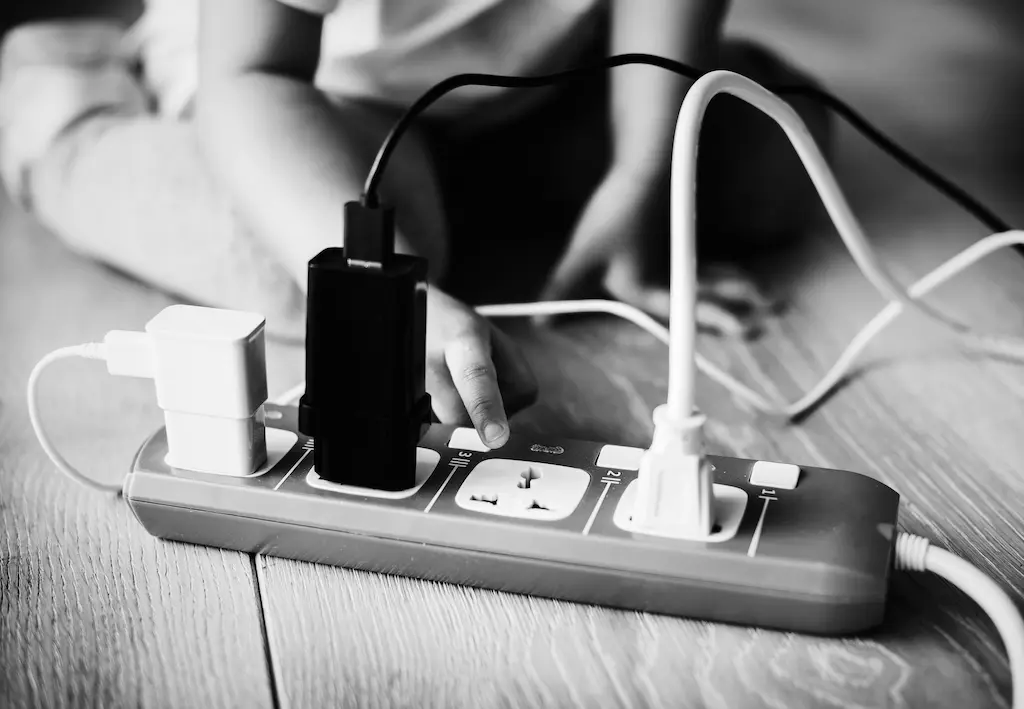
4. Invest in a Smart Thermostat
Heating and cooling account for a large portion of energy expenses. A smart thermostat helps reduce waste by learning your routine and adjusting temperatures automatically.
While it may seem like a bigger upfront cost, the long-term energy savings often offset the price. Some energy companies even offer rebates for installing energy-efficient smart thermostats.
5. Secure Your Home Affordably
Home security is another priority when building a connected home. Start small with:
-
A smart doorbell camera
-
Indoor security cameras
-
Smart door locks
Many brands offer entry-level options at affordable prices. Look for devices that include free cloud storage or local storage options to avoid monthly fees.
If your budget is tight, begin with a single camera at the front door and expand later.
6. Use Automation to Maximize Value
Automation is what truly makes a home “smart.” Create routines like:
-
Turning off all lights when you leave.
-
Adjusting the thermostat at bedtime.
-
Switching on outdoor lights at sunset.
Most smart home apps allow you to create these routines for free. Automation increases convenience and helps reduce energy waste without additional spending.
For more information New Home Essentials
7. Expand Gradually
Building a smart home doesn’t have to happen all at once. Spread purchases over time. Focus on high-impact devices first, such as lighting and climate control, then expand into security, entertainment, and kitchen appliances.
Watch for sales events and bundle deals to reduce costs. Many retailers offer discounts during major shopping seasons, making it easier to expand your setup affordably.
8. Prioritize Wi-Fi Strength and Compatibility
A strong Wi-Fi connection is essential for a connected home. Instead of buying expensive new devices to fix connectivity problems, consider upgrading your router or adding a Wi-Fi extender. Reliable internet ensures smooth performance and prevents frustration.
Also, always verify device compatibility with your chosen ecosystem before purchasing.
9. Focus on Energy Efficiency
Smart homes aren’t just about convenience—they’re also about efficiency. Devices that monitor energy usage help you understand where electricity is being wasted. Over time, these insights lead to smarter decisions and lower bills.
Look for energy-efficient certifications and features like automatic shut-off, scheduling, and usage reports.
10. Keep Security in Mind
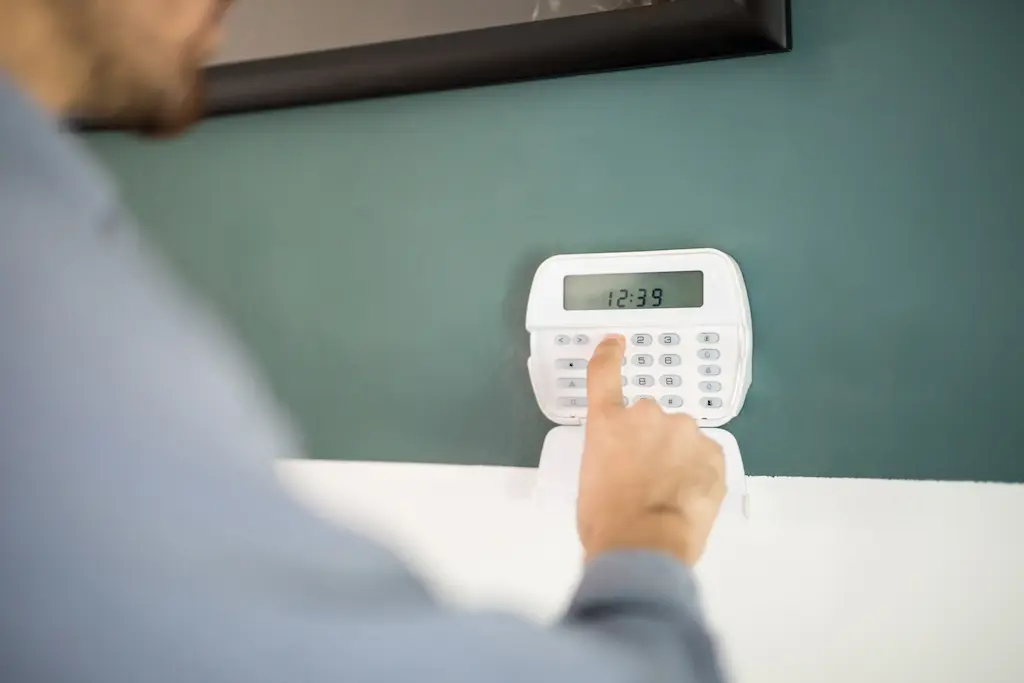
Budget smart home setups should never compromise digital security. Protect your network with strong passwords, enable two-factor authentication, and regularly update device software. These simple steps safeguard your connected home from potential risks.
Final Thoughts
Building a fully connected smart home on a budget is entirely achievable with careful planning and smart purchasing decisions. Start with a reliable ecosystem, prioritize essential devices like lighting and thermostats, and expand gradually as your budget allows.
By focusing on automation, compatibility, and energy efficiency, you can enjoy the benefits of a modern smart home without overspending. A connected lifestyle doesn’t require luxury pricing—just thoughtful choices and strategic upgrades.
FAQS
Q#1: What is the first step to building a smart home on a budget?
Ans: Start with one central device like a smart speaker or smart hub. Then add essential devices such as smart bulbs or smart plugs. Begin small and expand gradually to avoid overspending.
Q#2: Do I need expensive devices to create a smart home?
Ans: No. Many affordable brands offer reliable smart bulbs, plugs, and security cameras. Focus on Wi-Fi supported devices so you don’t need extra hubs.
Q#3: Can I control smart home devices without a smart speaker?
Ans: Yes. Most smart devices can be controlled through their mobile apps. A smart speaker adds voice control, but it is not mandatory.
Q#4: How can I save money while buying smart home devices?
Ans: Look for bundle deals, seasonal discounts, and starter kits. Choose devices that are compatible with multiple platforms to avoid replacing them later.
Q#5: Is it possible to upgrade existing appliances into smart devices?
Ans: Yes. You can use smart plugs, smart switches, and adapters to make regular appliances controllable through your phone without replacing them.